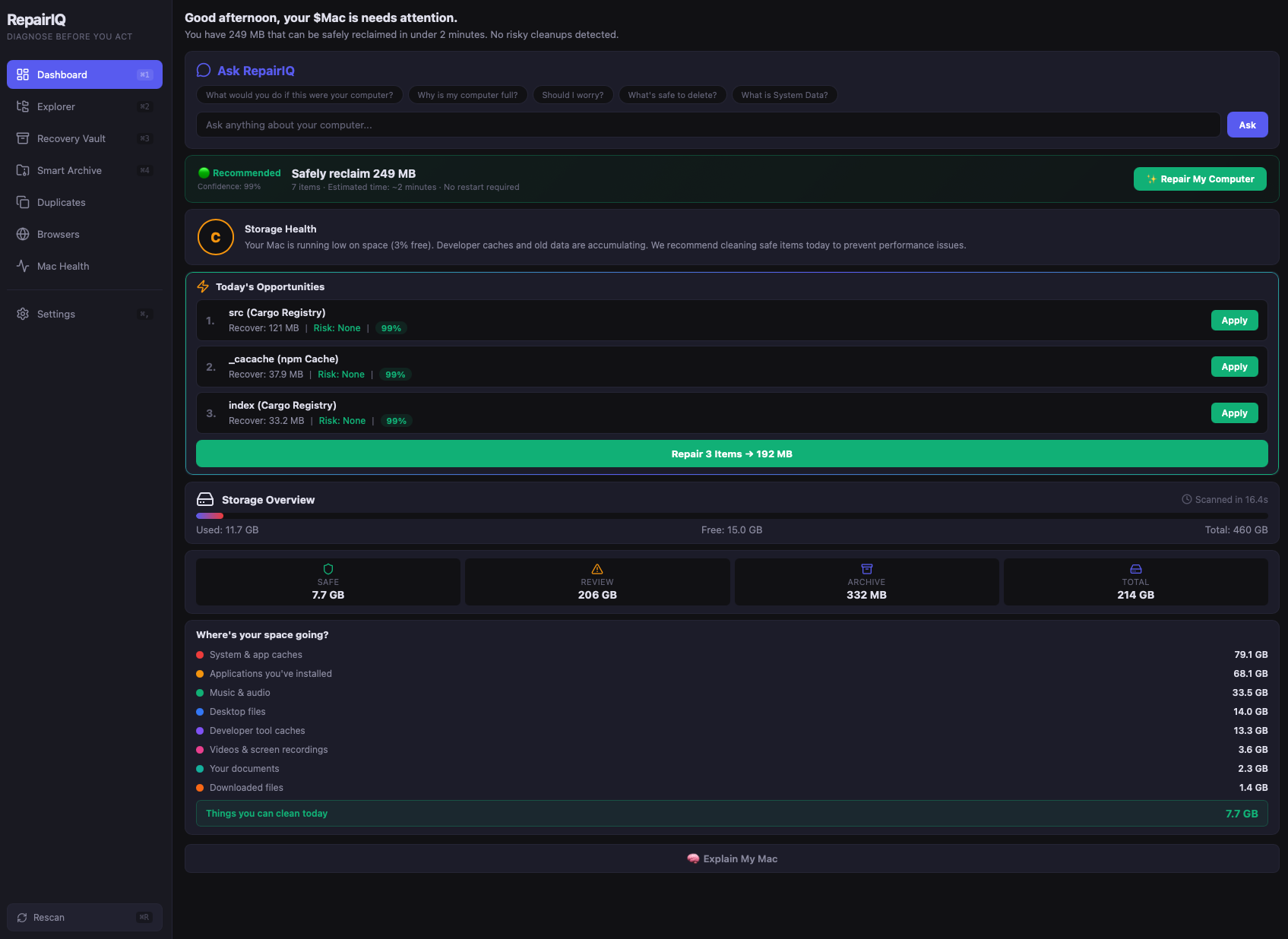
RepairIQ helps you understand what's taking space, safely remove what you don't need, and protect everything that matters. No guessing. No broken apps. No regrets.
macOS: See install guide (right-click → Open, once only)
Windows: Click "More info" → "Run anyway" on SmartScreen. Once only.
★★★★★ Average cleanup: 55+ GB reclaimed in under 3 minutes
RepairIQ doesn't tell you what to delete.
It helps you understand your computer first.
You know your computer is running out of space. You just don't touch it because you're scared of breaking something. RepairIQ removes that fear.
Think of it like a mechanic for your computer. A good mechanic doesn't just say "here's a broken part." They say: here's what's wrong, here's why, here's what I'd do, and here's what can wait.
Tell RepairIQ what's bothering you. It scans in 10 seconds.
Every item explained. Every risk assessed. In plain English.
Clean with confidence. Everything's recoverable for 14 days.
Every recommendation answers:
RepairIQ never asks you to make a blind decision.
$0
Upgrade whenever you're ready to clean.
⭐ Most Popular
$24.99
Transfer your license anytime by deactivating your old device.
$49.99
$149
Will it break my computer?
No. Recovery Vault keeps everything for 14 days. If anything feels wrong, restore it instantly.
Is it really free?
Yes. No tricks. No trial period. No surprise paywalls.
I'm not technical — is it for me?
Yes. Everything is explained in plain English. No jargon, no confusing options.
What if I delete something important?
It goes to Recovery Vault. Restore anytime within 14 days.
Does it phone home?
Never. Zero internet required. 100% offline. Your data stays on your machine.